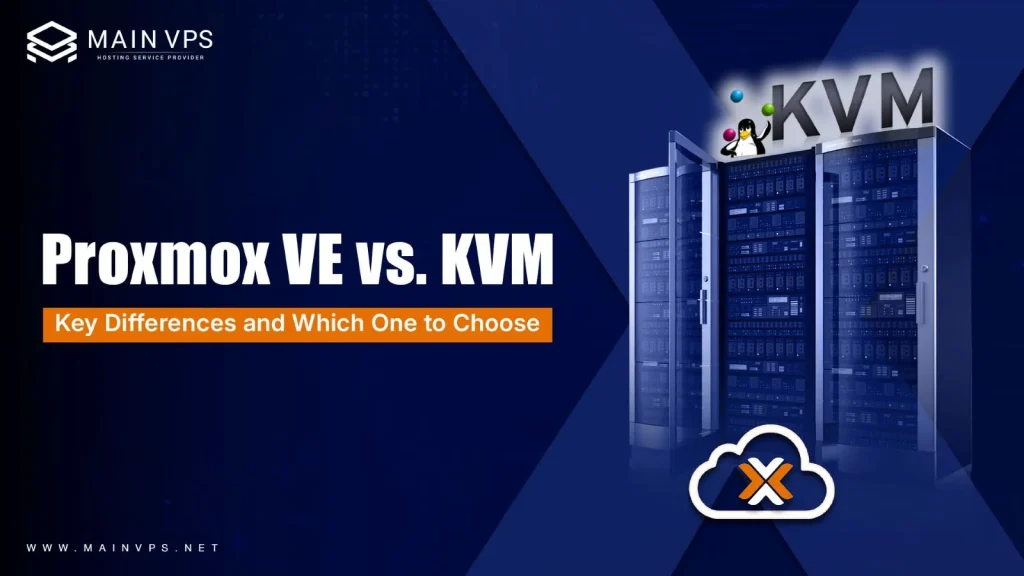
Proxmox VE vs. KVM consistently emerge as the top contenders for virtualization on Linux. Although they are frequently mentioned together, their functions are distinct. So, if you’re setting up your first virtual machine or managing a full-scale infrastructure, understanding the distinction between them isn’t just helpful; it’s critical.
Let’s delve into the details, avoiding unnecessary jargon and providing the appropriate level of technical depth to assist you in determining which option best suits your needs.
Understanding the Core Relationship
Before comparing them, here’s the key idea:
KVM is the technology; Proxmox VE is the platform.
KVM (Kernel-based Virtual Machine) is a virtualization module built directly into the Linux kernel. It enables your server to act like a hypervisor, allowing you to run multiple isolated virtual machines with dedicated resources.
Proxmox VE, on the other hand, is a complete virtualization management solution that uses KVM as its hypervisor layer and adds a powerful web-based interface along with enterprise-grade tools.
What is KVM (Kernel-based Virtual Machine)?
KVM is not a complete platform; it’s a Linux kernel module that turns your Linux machine into a type-1 (bare-metal) hypervisor. KVM enables the operation of multiple isolated virtual environments (VMs) and serves as the underlying engine for numerous Linux-based virtualization platforms, including Proxmox itself.
Key Traits of KVM:
- It’s minimal, fast, and built directly into the Linux kernel.
- It’s used by enterprise-grade hypervisors like RHEL and Ubuntu, and even by GCP and AWS under the hood.
- You manage it with tools like libvirt, virt-manager, or Virsh CLI.
- It’s not a GUI tool; it’s more like an engine for building one.
So if KVM is the raw power, think of it as the engine block of a high-performance car. But to drive comfortably, most people want more than just an engine.
What is Proxmox VE (Virtual Environment)?
Proxmox VE is an all-in-one virtualization management platform that wraps KVM (and LXC for containers) in a beautiful, powerful web interface. It gives you everything you need to manage VMs, containers, storage, and networking, all from your browser.
Key Traits of Proxmox VE:
- It uses KVM as its core but adds a full UI, management tools, and clustering support.
- Offers a web-based GUI, CLI, and REST API.
- Comes with features such as live migration, backups, snapshots, high availability, and built-in software-defined storage.
- Easy to deploy and ready to use in production environments out of the box.
Comparing Proxmox VE vs. KVM
Here’s a hands-on comparison table to make things simple:
| Feature | KVM (Raw Hypervisor) | Proxmox VE (Management Platform) |
|---|---|---|
| User Interface | CLI/virt-manager | Web GUI + CLI |
| Ease of Use | Steep learning curve | Beginner-friendly, ready out of the box |
| Virtualization Type | Full virtualization only | Full (KVM) + Containers (LXC) |
| Clustering Support | Manual setup required | Built-in multi-node clustering |
| Backups & Snapshots | Needs external tools | Native GUI support |
| High Availability (HA) | Manual configuration | Turnkey HA with fencing & quorum |
| Container Support | Not included | Native with LXC |
| Enterprise Use | For pros with specific needs | For teams, MSPs, and businesses |
Who Should Use KVM?
KVM is ideal if:
- You’re a Linux pro who loves the terminal.
- You want complete control with no overhead.
- You’re building a custom hypervisor stack.
- You prefer managing things through scripts or automation.
But remember: KVM alone has no GUI, no container support, no snapshots, and no built-in cluster tools. You build those yourself or integrate them manually.
Who Should Use Proxmox VE?
Proxmox is perfect if:
- You want to manage multiple VMs and containers with ease.
- You need clustering, backups, and HA, but don’t want to build it all manually.
- You’re an MSP, startup, or sysadmin managing remote infrastructure.
- You appreciate having a clean web interface and automation via API or CLI.
It’s also incredibly popular for home labs and enterprise use alike. And yes, Proxmox has commercial support if you need it, but the free version is fully functional.
Performance: Is There a Difference?
Not really. Both use KVM as the base. Performance will come down to how well you configure your VMs and your underlying hardware, not the interface itself.
Where Proxmox might slightly lag behind is in extreme edge-case tuning because it abstracts some of the granular control, but for 99% of users, the ease of use far outweighs that.
Security Considerations
Both KVM and Proxmox are enterprise-grade and secure when configured properly.
- KVM relies on the Linux kernel’s security model.
- Proxmox includes role-based access control, a firewall, two-factor authentication, and more, all configurable through its interface.
Scalability & Flexibility
Both platforms are scalable, but Proxmox makes it easier:
- Add new nodes to your cluster with a few clicks.
- Migrate VMs between servers without downtime.
- Centralize backup and monitoring; no extra plugins are needed.
KVM can do all of this too, but you’ll be piecing it together with open-source tools, which requires more planning, testing, and maintenance.
Final Verdict: KVM or Proxmox?
If you’re creating a custom cloud, working in a RHEL ecosystem, or trying to automate all of these tasks through the command line, then KVM is the way to go. It provides you with total control over all aspects of a cloud, including compute, storage, and networking.
If you’re looking for a powerful, all-in-one solution that allows you to manage your VMs, containers, backups, clusters, and more, then you owe it to yourself to try Proxmox VE. It saves time in deployment and management and has all the features of a high-end solution without the hassle of building it yourself.
They’re not enemies; they’re basically part of the same ecosystem. They’re taking KVM and building on it, creating a user-friendly, all-in-one solution for virtualization.
FAQs: Proxmox vs KVM
1. Is Proxmox better than KVM?
Proxmox actually uses KVM underneath, so it’s not a replacement but an enhanced layer. It adds a user-friendly interface and powerful management tools, making KVM easier to use, especially for beginners and businesses.
2. Can I use Proxmox in production?
Yes, absolutely. Proxmox is widely used in production environments, including enterprises and data centers. It’s stable, reliable, and offers enterprise support if needed.
3. Do I need a separate KVM install to use Proxmox?
No, you don’t need to install KVM separately. Proxmox comes pre-integrated with KVM and all required components, so you can start using it right after installation.
4. Is there any overhead with Proxmox?
There is very minimal overhead because Proxmox is optimized to run efficiently. Since it uses KVM directly, performance remains nearly identical in most real-world scenarios.
5. Can I run containers and VMs side-by-side in Proxmox?
Yes, Proxmox supports both KVM virtual machines and LXC containers, allowing you to run them together on the same platform without issues.
6. Which one is easier to use: KVM or Proxmox?
Proxmox is significantly easier to use because it provides a web-based interface for managing everything. KVM requires command-line knowledge and manual configuration, which can be challenging for beginners.
7. Is KVM free to use?
Yes, KVM is completely free and open-source since it’s part of the Linux kernel. You can use it without any licensing costs.
8. Does Proxmox require a license?
Proxmox is also open-source and free to use. However, it offers paid subscriptions for enterprise support, updates, and additional stability features.
9. Can I migrate VMs between servers in Proxmox?
Yes, Proxmox supports live migration, allowing you to move virtual machines between servers without downtime, which is very useful in production environments.
10. Which one should beginners choose?
Beginners should generally start with Proxmox because it simplifies virtualization management. KVM is better suited for advanced users who want full control and are comfortable working with Linux commands.